Photon Review 2026: The Fast Solana Trading Terminal Explained
What Photon is, how its fees and speed compare, and when a social copy trading app like FOMO is the better fit.
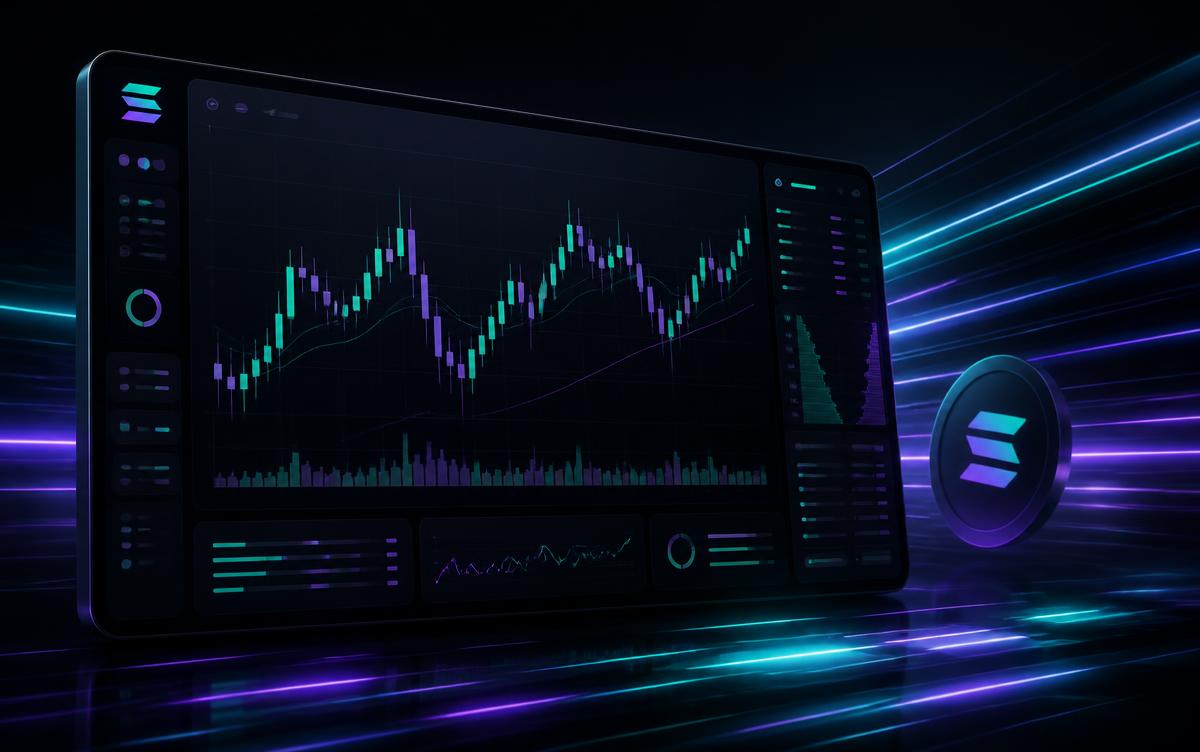
Photon is a browser-based Solana trading terminal built for speed. Instead of routing swaps through a wallet UI, it gives you a chart, an order panel, live token feeds and one-click buys in a single screen — the kind of setup memecoin traders use when entries are measured in seconds.
This guide covers what Photon actually does, what it costs, how it compares to bots like GMGN and BullX, and where a social copy trading app such as FOMO fits if you would rather mirror traders than click charts yourself.
What is Photon?
Photon is a web trading terminal for Solana (with EVM support added later) available at photon-sol.tinyastro.io. You connect a wallet, or import/generate a trading wallet inside the app, and trade directly from the interface.
Core pieces:
- Memescope / discovery feeds — new pairs, migrated pairs and trending tokens streamed live.
- One-click buy and sell presets — preset SOL amounts and sell percentages so an entry is a single click.
- Charts plus order flow — price chart, holder distribution, top traders and recent transactions in one view.
- Limit orders and auto-sell — take-profit and stop-loss style exits on Solana pairs.
- Wallet tracking — follow specific wallets and see their trades as they land.
Photon fees
Photon charges roughly 0.5% per trade, deducted from the swap. On top of that you pay Solana network fees and whatever priority fee / tip you set — and in fast markets the tip usually matters more than the platform fee.
A quick sense of the platform fee alone:
| Trade size | Fee at 0.5% | 20 trades/month | Per year | |
|---|---|---|---|---|
| $100 | $0.50 | $10 | $120 | |
| $500 | $2.50 | $50 | $600 | |
| $1,000 | $5.00 | $100 | $1,200 | |
| $5,000 | $25.00 | $500 | $6,000 |
Run your own numbers with our copy trading fee calculator before you commit to a platform — at high frequency the fee difference between 0.5% and 1% is the difference between a profitable month and a flat one.
Photon vs GMGN vs BullX
- Photon — strongest as a pure web terminal. Clean charting, deep on-chain data, 0.5% fees.
- GMGN — better automation and copy trading built in, around 1% per trade, works across several chains.
- BullX — similar terminal experience with strong sniping tooling, around 1% per trade.
If you are choosing between them, the honest split is: Photon for manual discretionary trading, GMGN for automated wallet copying, BullX if you live in Telegram-adjacent sniping workflows. The full side-by-side is in our tools directory.
Where Photon is not the right tool
Photon assumes you know what you are buying. It gives you speed, not judgement. If you are new, three things go wrong quickly:
- You chase tokens you found on a trending feed with no thesis.
- You size positions far too large because buying is one click.
- You pay fees on 40 trades a month and finish behind the market.
That is exactly the gap a social copy trading app fills.
The FOMO alternative: copy traders instead of charts
FOMO is a social crypto copy trading app. Instead of a terminal, you get a feed of real traders with visible track records, and you can mirror their positions automatically from your phone.
Why it pairs well with (or replaces) a terminal:
- 0.50% per trade — the same ballpark as Photon, but you are not the one picking entries.
- Non-custodial — you keep control of your funds.
- Transparent performance — you see a trader's history before you copy them.
- Automatic mirroring — no need to watch a chart at 3am to catch a rotation.
Use the referral code SaveTradingFees, or sign up through the FOMO referral link to get the discounted fee tier applied automatically. Full breakdown in our FOMO app review.
How to get started with Photon
- Open photon-sol.tinyastro.io.
- Connect a Solana wallet, or generate a fresh trading wallet inside Photon.
- Fund it with a small amount of SOL you can afford to lose.
- Set buy presets and a priority fee that matches how competitive your entries need to be.
- Enable auto-sell rules before your first trade, not after.
Never keep your main holdings in a hot trading wallet. Use a dedicated wallet for terminals and bots.
FAQ
Is Photon safe? Photon is non-custodial when you connect your own wallet, but any imported or in-app generated wallet stores its key in the browser. Treat it as a burner and keep long-term holdings in a hardware wallet.
What does Photon cost? Around 0.5% per trade, plus Solana network and priority fees.
Does Photon support copy trading? It offers wallet tracking so you can watch what other wallets do, but it is not a full copy trading product. For automatic mirroring, FOMO or GMGN are the better fit.
Which chains does Photon support? Solana is the core product, with additional EVM chain support in the wider Tinyastro suite.
Photon or FOMO? Photon if you want to trade manually with the best data in front of you. FOMO if you would rather copy proven traders at 0.50% per trade from your phone.
*CopyTradeHQ earns affiliate commissions from some links on this page. This is not financial advice — crypto trading carries real risk of loss.*