Withdraw from Axiom
Withdraw from Axiom by selecting the wallet tab and choosing the transfer option to send assets to an external address. Use invite code vip100 for access.
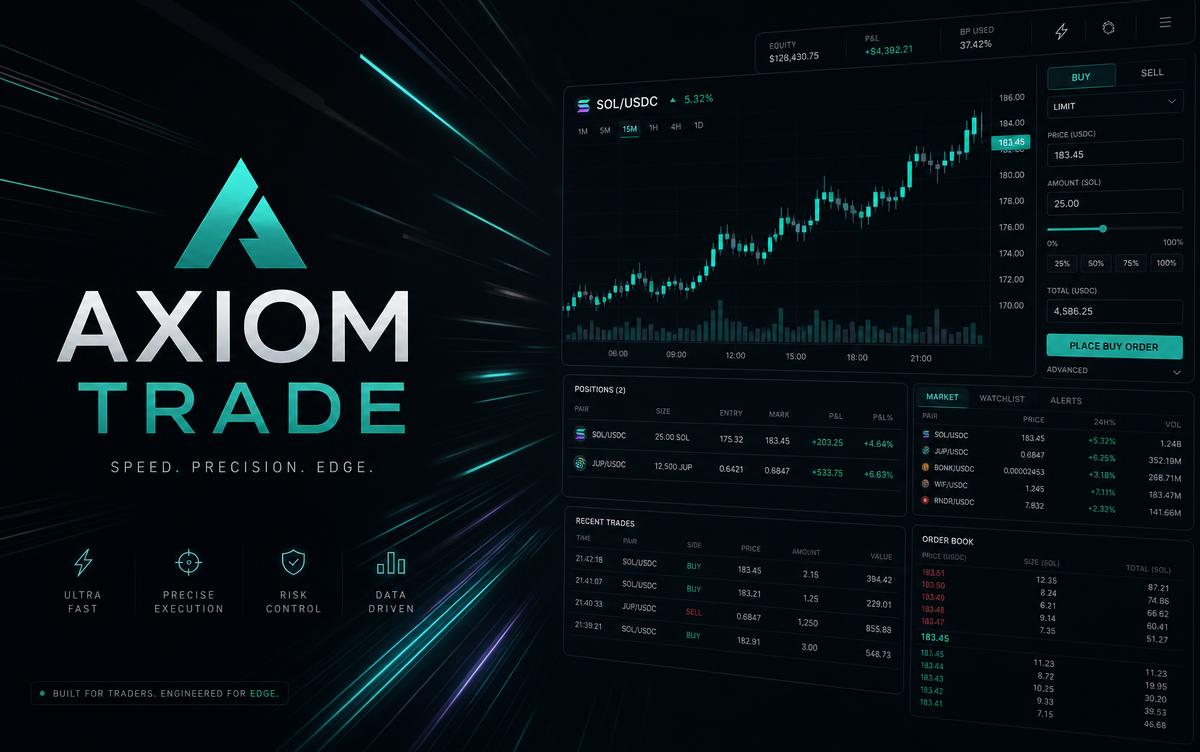
To withdraw from Axiom, you must navigate to the multi-wallet or portfolio section of the terminal, select the specific asset you wish to move, and enter an external wallet address to initiate a transfer. Since Axiom is a non-custodial platform powered by Turnkey infrastructure, you maintain control over your private keys and can move funds to any compatible Solana, Ethereum, or Layer 2 wallet at any time. New users can get started by visiting axiom.trade/@vip100 to set up their trading environment.
The Fundamentals of Withdrawing from Axiom
Axiom is a hybrid web trading terminal and wallet founded in 2025 by Henry Zhang and Preston Ellis. As a Y Combinator W25 participant, the platform focuses on speed and security. Because the system is non-custodial, the process to withdraw from Axiom is similar to using a self-custody wallet like Phantom or MetaMask. You are not asking a centralized exchange for permission; rather, you are signing a transaction that moves your assets from the Axiom-generated wallet to an external destination.
Before you begin, ensure you have a small amount of the native gas token (such as SOL for Solana or ETH for Base) to cover network fees. If you do not have an account yet, you should use the official link axiom.trade/@vip100 to join the platform. Once inside, you can manage assets across multiple chains, including Solana, BNB Chain, Base, Ethereum, Robinhood Chain, Ink, Arc, and HyperEVM. Always check the chain selector in the app to confirm which network you are currently using.
Step-by-Step Guide to Move Funds
- Access the Portfolio: Log in to the web interface or the PWA (Progressive Web App) on your mobile device. There is no official native App Store app at this time, so ensure you are using the legitimate web portal.
- Select the Asset: Locate the specific cryptocurrency you want to withdraw. This could be SOL, USDC, or a meme coin you recently traded via the Axiom Pulse tool.
- Choose Transfer/Withdraw: Click on the transfer button. You will be prompted to enter the destination address.
- Verify the Network: Ensure the destination address matches the network of the asset. Sending Solana-based tokens to an Ethereum address will result in a permanent loss of funds.
- Confirm the Transaction: Review the network fee and any priority fees. Axiom uses Jito for MEV protection, which helps ensure your withdrawal is not sandwiched or frontrun by bots.
- Execute: Sign the transaction. The assets will move from your Axiom wallet to your external cold storage or exchange account.
Understanding Asset Types and Collateral
Withdrawing becomes slightly more complex if you are using advanced features like Axiom Perps or Axiom Yield.
For perpetual futures, Axiom utilizes Hyperliquid as a backend. When you trade perps, your SOL or other assets are often converted into USDC collateral. To withdraw these funds, you must first close your active positions on the Perpetuals tab and ensure the USDC is moved back to your primary spot wallet.
If you are earning interest through the Marginfi partnership, your assets are technically locked in a lending protocol. You must unstake or withdraw from the yield-bearing account before the funds become available for a standard transfer. Check the Axiom Trade review for more details on how these integrations function.
Axiom Withdrawal Tiers and Network Fees
While Axiom does not charge a specific withdrawal fee beyond the network cost, your trading volume impacts the overall cost of using the platform. The platform fee for swaps is 1%, but high-volume traders receive cashback in SOL.
| Tier | Volume Requirement | Net Fee After Cashback | |
|---|---|---|---|
| Wood | Entry Level | 0.95% | |
| Bronze | Tier 1 | 0.90% | |
| Silver | Tier 2 | 0.875% | |
| Gold | Tier 3 | 0.85% | |
| Platinum | Tier 4 | 0.825% | |
| Diamond | Tier 5 | 0.80% | |
| Champion | VIP | 0.75% |
Moving Funds from Different Chains
Axiom started on Solana but has expanded rapidly. Users must be careful when they withdraw from Axiom across different ecosystems. Use the axiom-base or axiom-ethereum settings to manage those specific assets.
| Chain | Native Gas Token | Infrastructure Partner | |
|---|---|---|---|
| Solana | SOL | Turnkey / Jito | |
| Base | ETH | Turnkey | |
| BNB Chain | BNB | Turnkey | |
| HyperEVM | HYPER | Hyperliquid |
If you need to buy more crypto to cover gas fees before a withdrawal, you can use the Coinbase partnership to purchase up to $500 per week directly within the app. For those looking for other trading options, you can explore the Fomo App or check our tools page.
Security Precautions When Withdrawing
Because Axiom is a popular tool for finding new tokens via the Twitter (X) monitor and wallet tracker, many third-party community tools have emerged. Be aware that Chrome extensions, AI bots, and PnL card makers not listed in the official Axiom Trade FAQ are often community-made. Using unverified tools carries a high risk of wallet-drainers. Always perform your withdrawals from Axiom through the official axiom.trade/@vip100 interface to ensure your private keys remain secure via the Turnkey infrastructure.
If you are attempting to follow successful traders, remember that Axiom does not have a built-in one-click copy trading product. Users typically perform Axiom copy trading by using the wallet tracker and manually executing quick buys. When you are finished following a specific strategy, it is a good practice to withdraw your profits to a hardware wallet.
Troubleshooting Common Withdrawal Issues
If a withdrawal fails, it is usually due to one of three reasons:
- Insufficient Gas: You do not have enough SOL or ETH to pay the network fee.
- Network Congestion: The Solana or Base network is experiencing high traffic. You may need to increase your priority fee in the settings. The default is 0.001 SOL.
- Active Limit Orders: If your funds are locked in a limit order, you cannot withdraw them until the order is cancelled or filled.
To learn more about the technical side of the platform, read what is Axiom Trade or the guide on how to use Axiom Trade. If you decide the platform is not for you, you can see the instructions to delete Axiom Trade account, though simply withdrawing all funds effectively renders the account inactive since it is non-custodial.
FAQ
How long does it take to withdraw from Axiom?
Withdrawals are usually as fast as the underlying blockchain. For Solana, this is often less than a minute. For Ethereum or Base, it may take a few minutes depending on network congestion and the gas price you select.
Are there any withdrawal limits on Axiom?
Since Axiom is non-custodial, the platform does not impose withdrawal limits. However, if you use the Coinbase integration to buy crypto, there is a $500 per week purchase limit. The funds you already own can be moved freely in any amount.
Can I withdraw to a centralized exchange like Binance or Kraken?
Yes, you can send your funds to any valid wallet address provided by an exchange. Ensure that you select the correct network (e.g., Solana network for SOL) to avoid losing your assets.
Does Axiom charge a fee for withdrawals?
Axiom does not charge a specific withdrawal fee. You only pay the standard blockchain network fee and any optional priority fees or Jito bribes you choose to include for faster processing.
What should I do if my withdrawal is stuck?
If a transaction is pending for a long time, check the block explorer (like Solscan). If the transaction is not found, it likely failed due to low gas. You can try the transaction again with a higher priority fee. Check is Axiom Trade down if you suspect platform-wide issues.
Is an invite code required to withdraw?
An invite code like vip100 is required to create an account and access the trading terminal. Once your account is active and funded, you do not need to re-enter a code to withdraw your own money.
Disclaimer: Trading cryptocurrencies involves significant risk. The points program on Axiom is not a promise of a future token or airdrop. Yield rates via Marginfi are variable and subject to change. This content is for informational purposes only and is not financial advice.